Scan. Create. Organize.
Everything You Need for QR Codes and Barcodes
Scan QR codes and barcodes instantly, create useful codes, manage scan history and access results from one clean application.
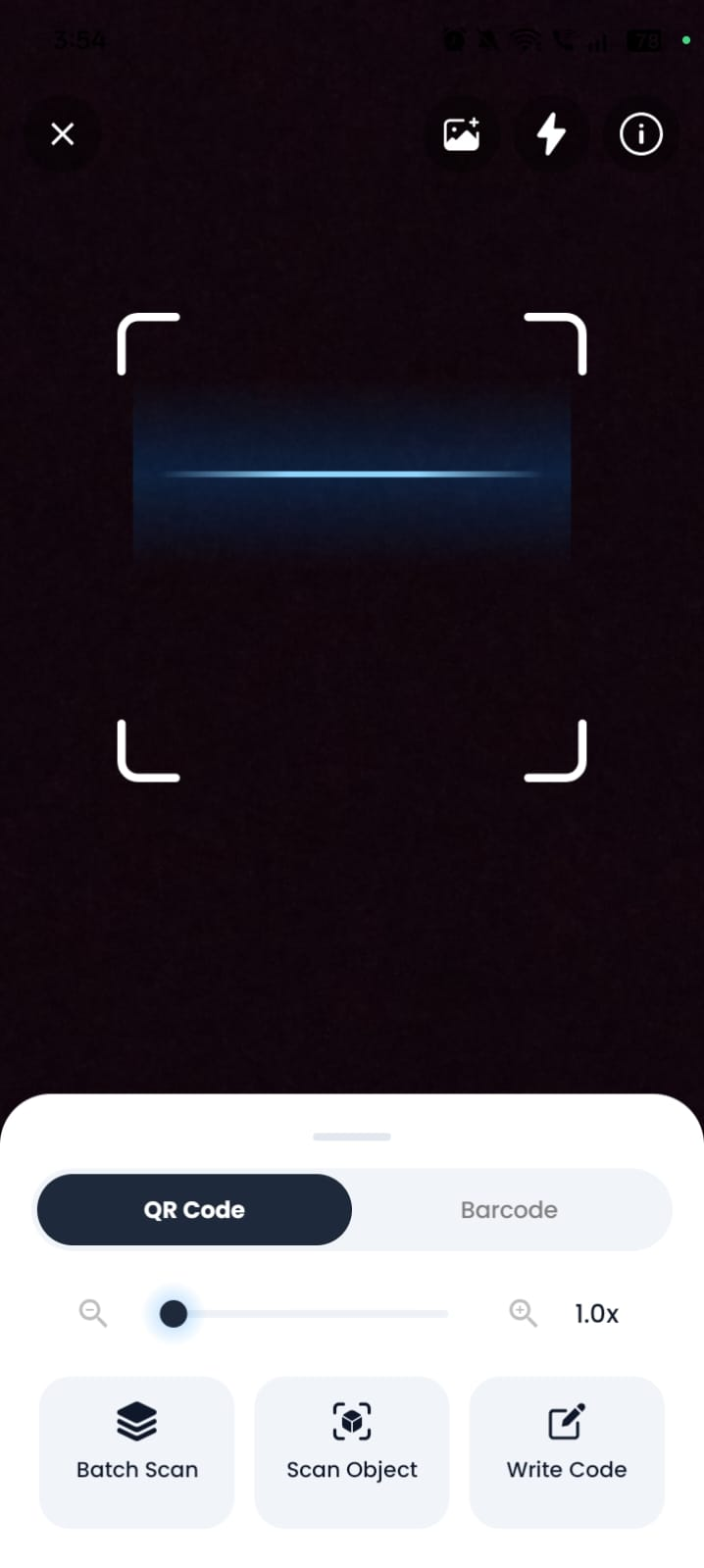
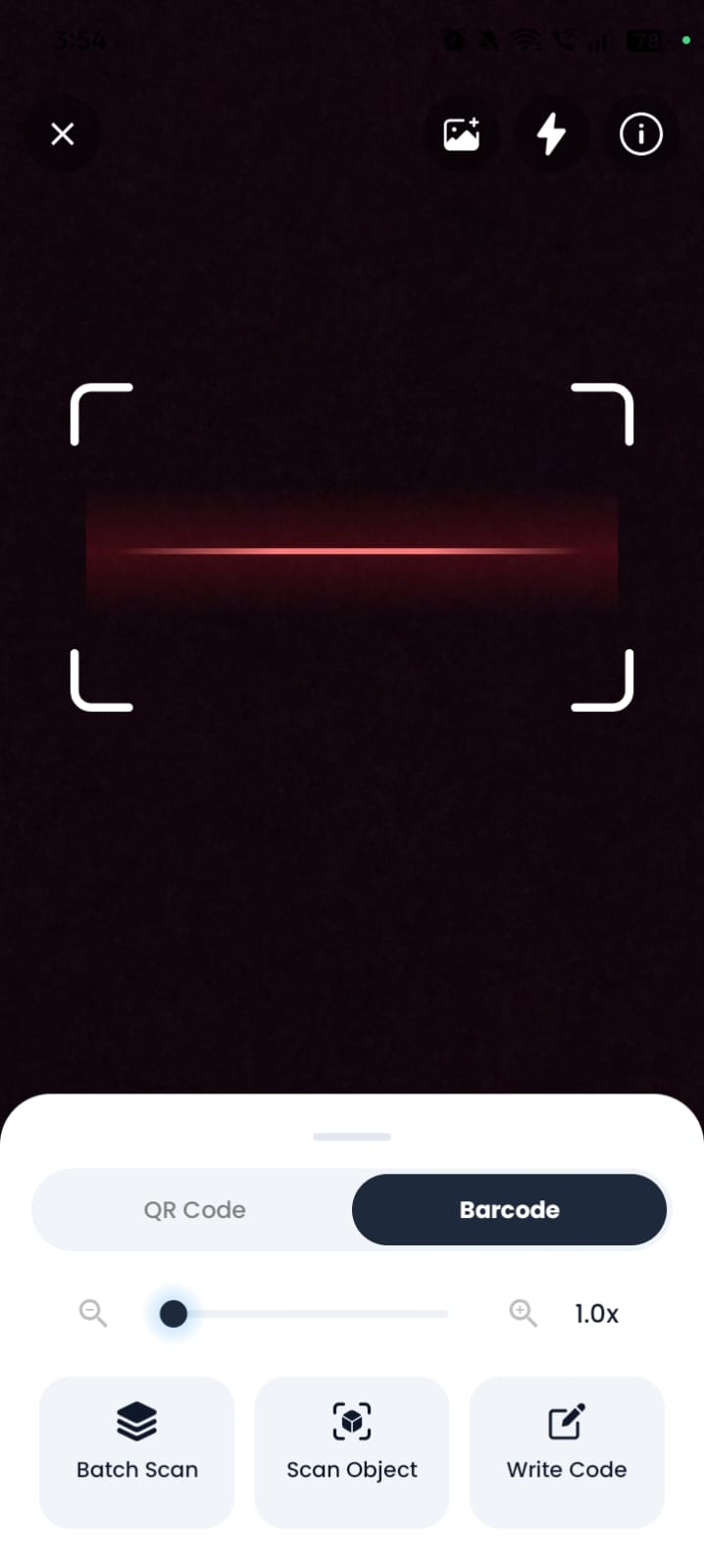
QR & Barcode Modes
Switch instantly between QR code and barcode scanning, both tuned for fast, accurate detection.
Multiple Code Types
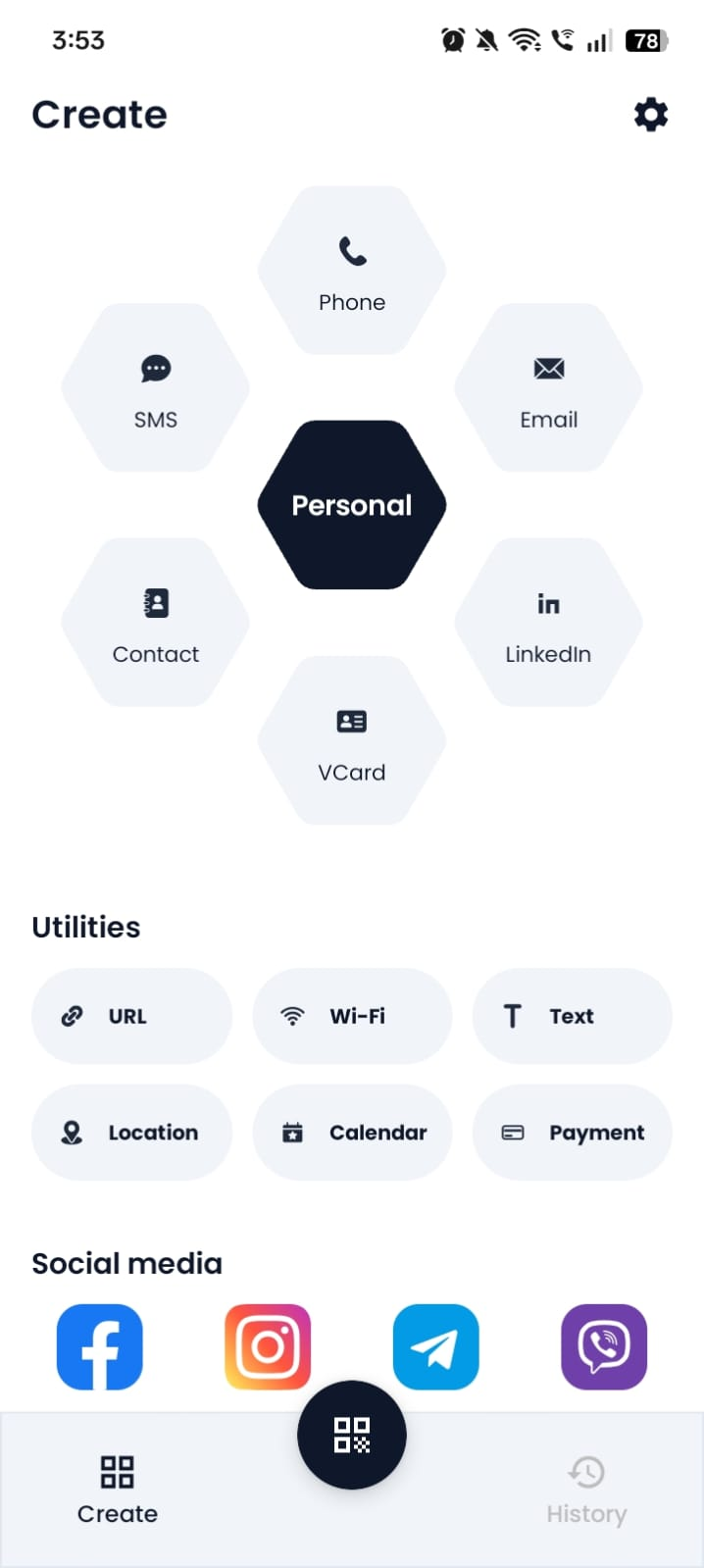
Create URL, text, contact, Wi-Fi and EAN-13 barcode codes whenever you need them.
History & Favorites
Every scan and created code is saved automatically, with favorites for instant access later.
Scan Any Code in Three Easy Steps
Open the Scanner
Select QR Code or Barcode mode from the main screen.
Point and Scan
Place the code inside the scanning frame and let the app detect it automatically.
Use the Result
Open, copy, share, save or favorite the result in one tap.
Two Powerful Scanning Modes
QR Code Scanner
Point your camera at any QR code for an instant, accurate read — links, text, contact cards, Wi-Fi and more, opened in one tap.
Real-time detection
Barcode Scanner
Scan retail and product barcodes in an instant to pull up EAN-13 details and everything you need to know about the product.
Product lookup readyEverything You Need in One Scanner
QR Code Scanner
Instantly scan and decode QR codes using your camera.
Barcode Scanner
Read product and retail barcodes in seconds.
Scan from Gallery
Import an existing photo to detect a code without using the camera.
Batch Scan
Scan multiple codes in a row without leaving the scanner screen.
Scan Object
Point at everyday objects to detect codes attached to them.
Write and Create Codes
Generate your own QR codes for URLs, text, Wi-Fi, and more.
Zoom Control
Adjust camera zoom to capture small or distant codes clearly.
Flashlight
Toggle the flashlight for scanning in low light.
Smart Result Actions
Open, copy, share, or save results with one tap.
Product Information
View product details for scanned barcodes.
History
Automatically keep a record of every scan and creation.
Favorites
Mark important results for quick access anytime.
Multiple Languages
Use the app in the language you’re most comfortable with.
Scan Preferences
Fine-tune sound, vibration, and auto-actions to your liking.
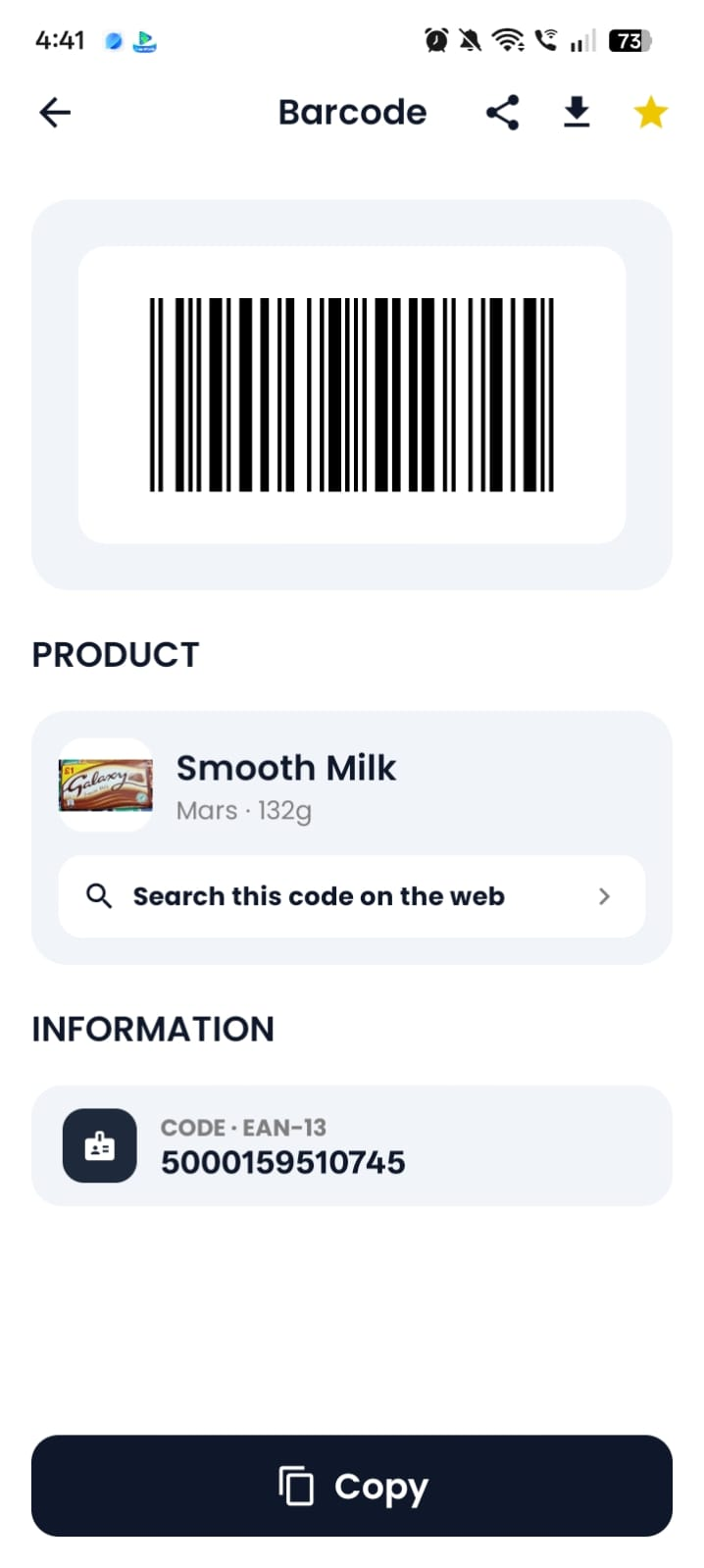
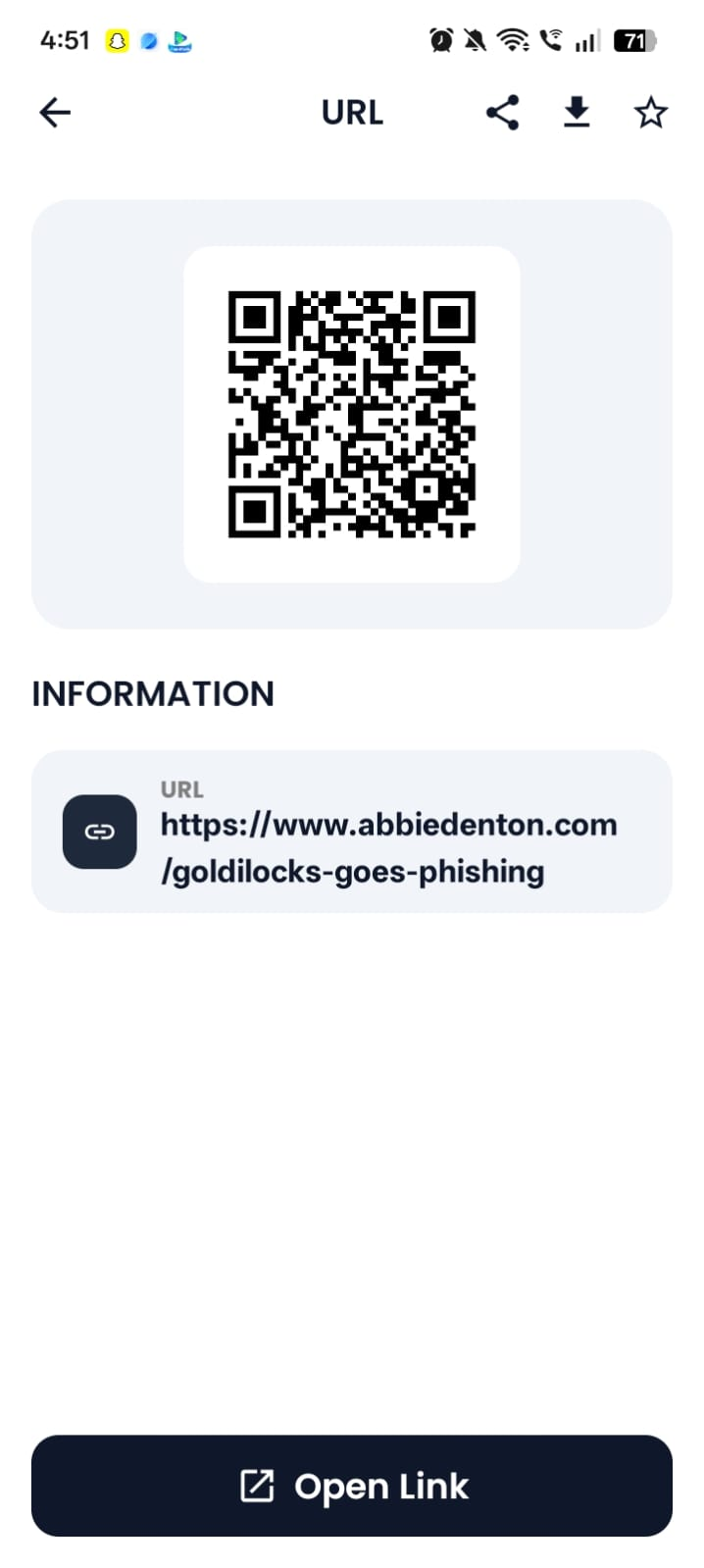
Results Ready for Action
Every scan opens into a clean result screen built for quick decisions.
Open detected URLs
Jump straight to the linked website from the result screen.
Copy result information
Copy any scanned or created content to your clipboard instantly.
Share and download results
Send results to other apps or save them for later.
Add useful results to favorites
Keep the results you rely on most within easy reach.
Search product barcodes on the web
Look up a scanned barcode online in a single tap.
View product and EAN-13 information
See product-level details pulled from the scanned barcode.
Create Useful Codes
Generate a QR code for the information you need to share.
URL
Link straight to any website.
Text
Share plain text or a message.
Contact
Share a contact card in one scan.
Wi‑Fi
Let others join your network instantly.
EAN-13 Barcode
Generate a standard product barcode.
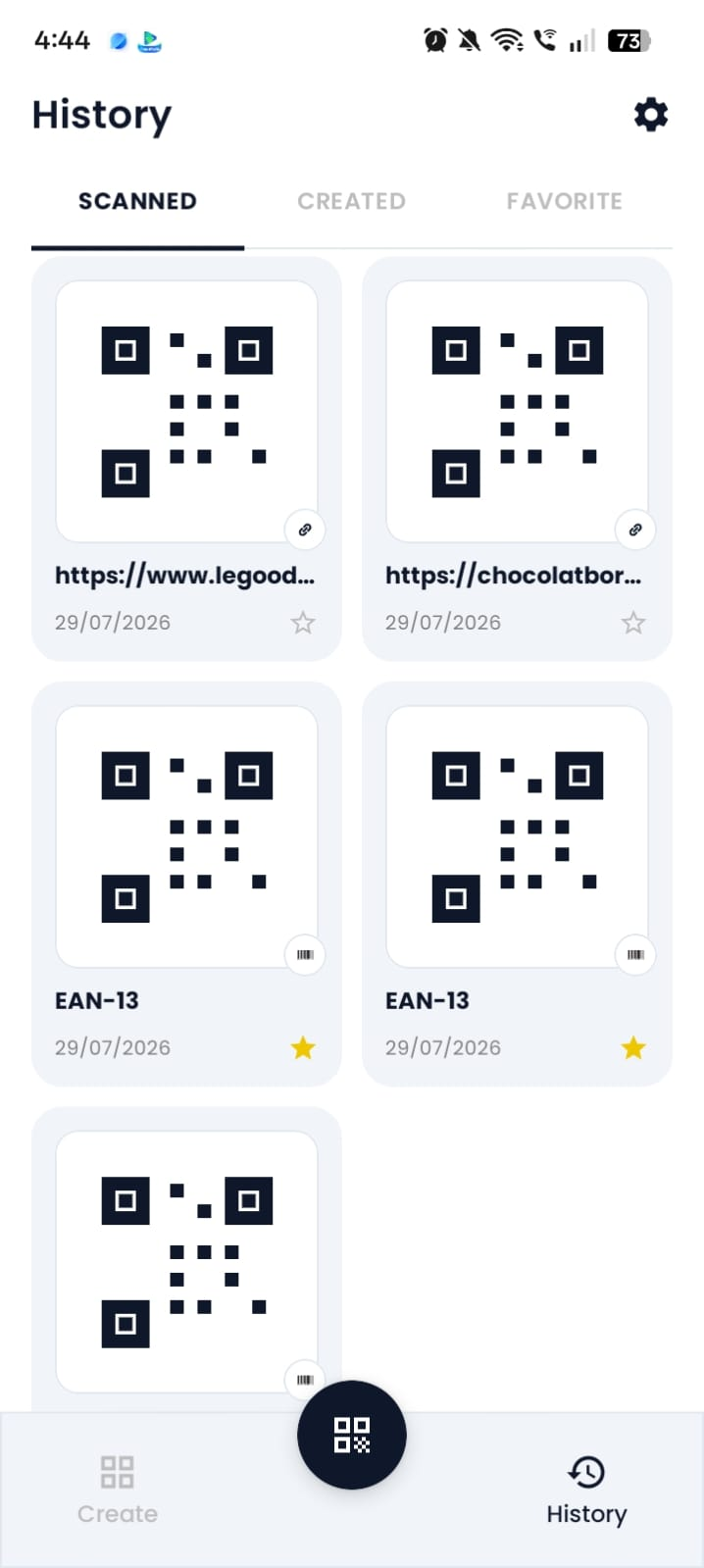
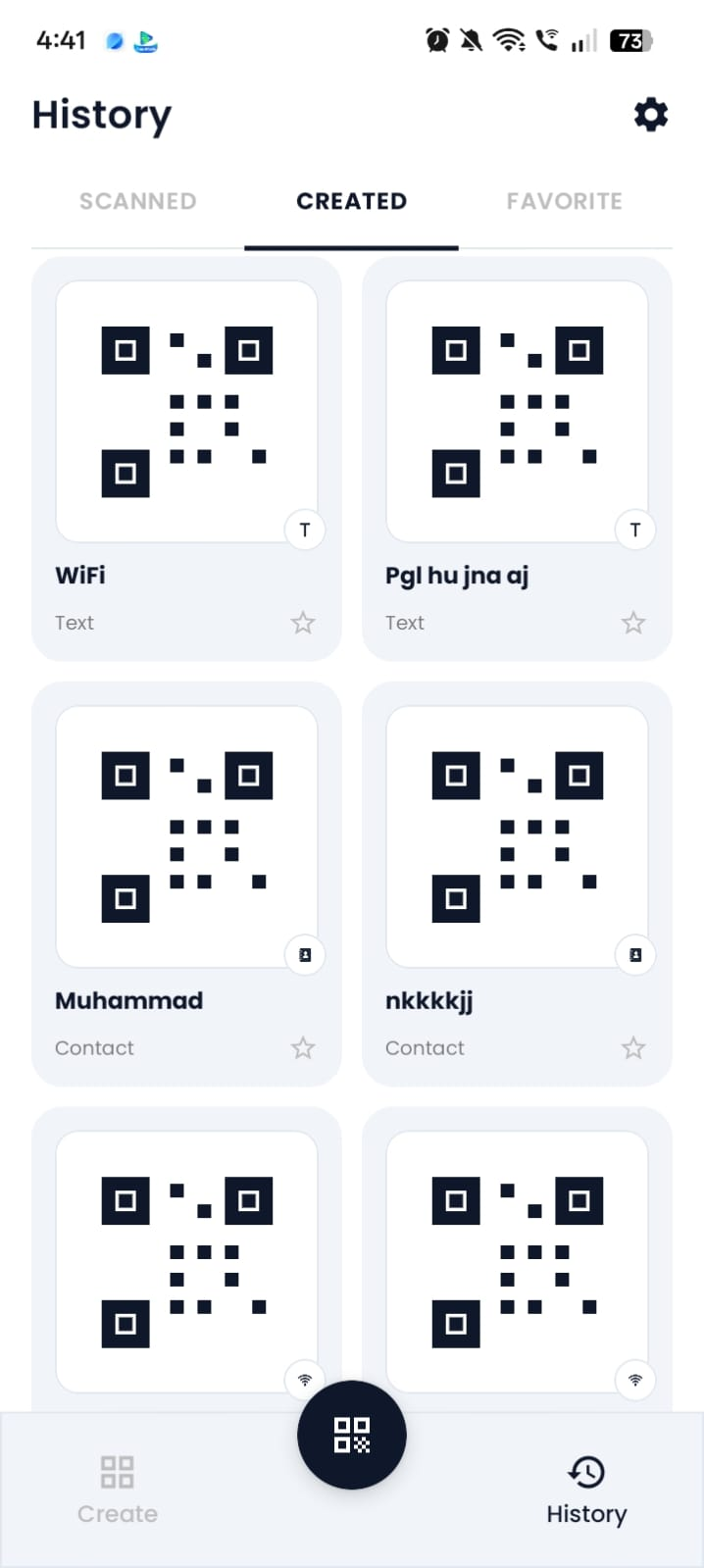
Everything Stays Organized
Nothing you scan or create gets lost.
Scanned-code history
Every QR code and barcode you scan is logged automatically.
Created-code history
Every code you generate is saved for reuse later.
Favorite results
Star the results you return to most often.
Quick access to previous scans
Reopen any past scan or created code in a tap.
Clear scan and created history controls
Clear scan history or created-code history whenever you want.
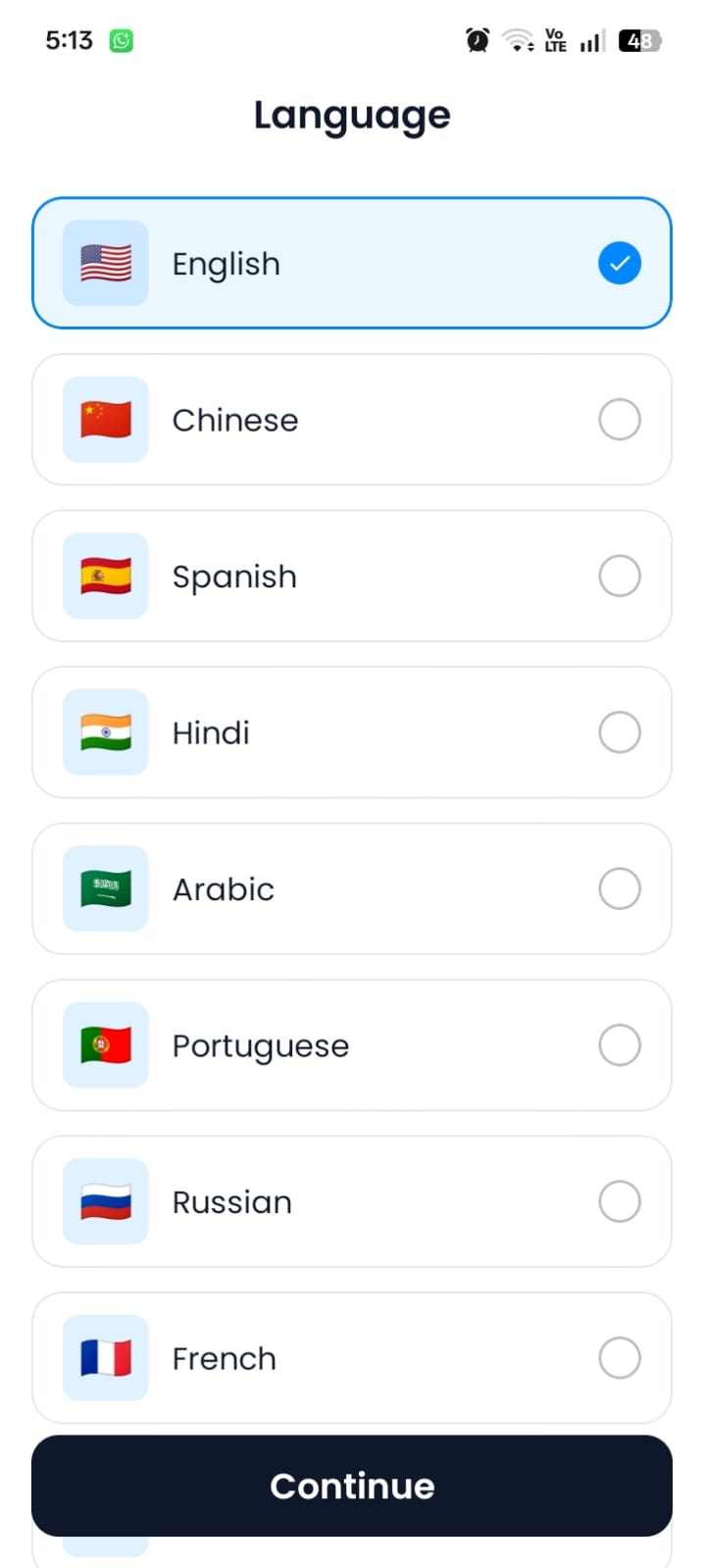
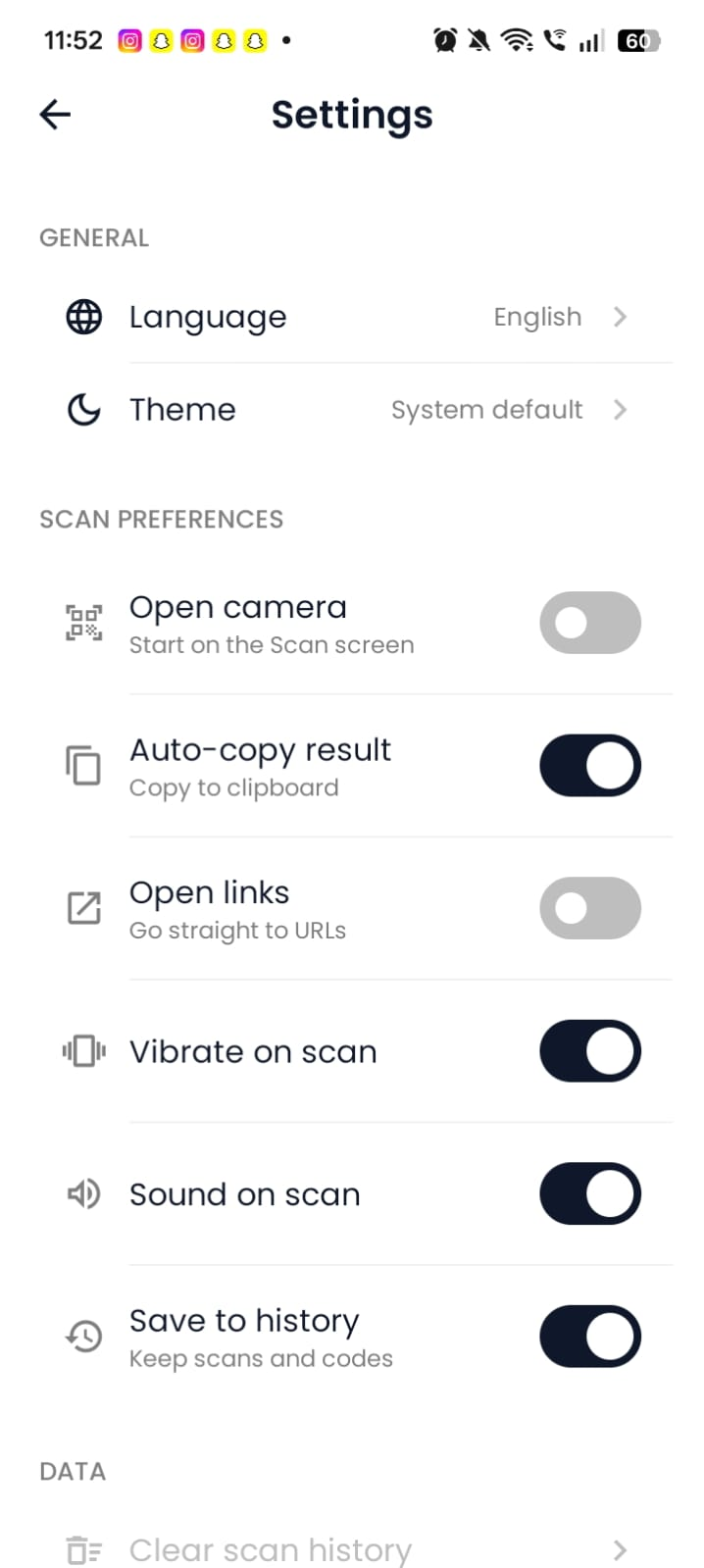
Designed Around Your Preferences
Adjust the app to match the way you scan.
Multiple languages
Choose the app language that feels most natural.
Light, dark or system theme
Match your device theme or set it manually.
Auto-copy result
Automatically copy scanned content to your clipboard.
Automatically open links
Open detected URLs the moment they’re scanned.
Vibrate on scan
Feel a quick vibration the instant a code is detected.
Sound on scan
Hear a confirmation tone when a scan succeeds.
Save scans to history
Choose whether scans are saved to your history automatically.
App Screenshots
A closer look at the QR Code Scanner experience, screen by screen.
Your Scanner, Your Preferences
- Camera permission is required for scanning QR codes and barcodes.
- You can manage your scan history and scanner preferences at any time in the app.
- Details about privacy, advertising and analytics are covered in our current Privacy Policy.
Frequently Asked Questions
Ready to Scan Smarter?
Scan QR codes and barcodes, create useful codes and keep every result organized.